Some birthdays you’re there for in person. Others, you show up for through a screen.
Maybe you’re far away. Maybe life is busy. But that doesn’t mean your message should feel rushed or generic.
In this guide, you’ll learn how to edit and customize happy birthday ecards on EcardKings step by step, so your card doesn’t just say “Happy Birthday”… it actually feels like you meant it.
Start With the Right Birthday Ecard
Before you edit anything, the first decision matters: the design.
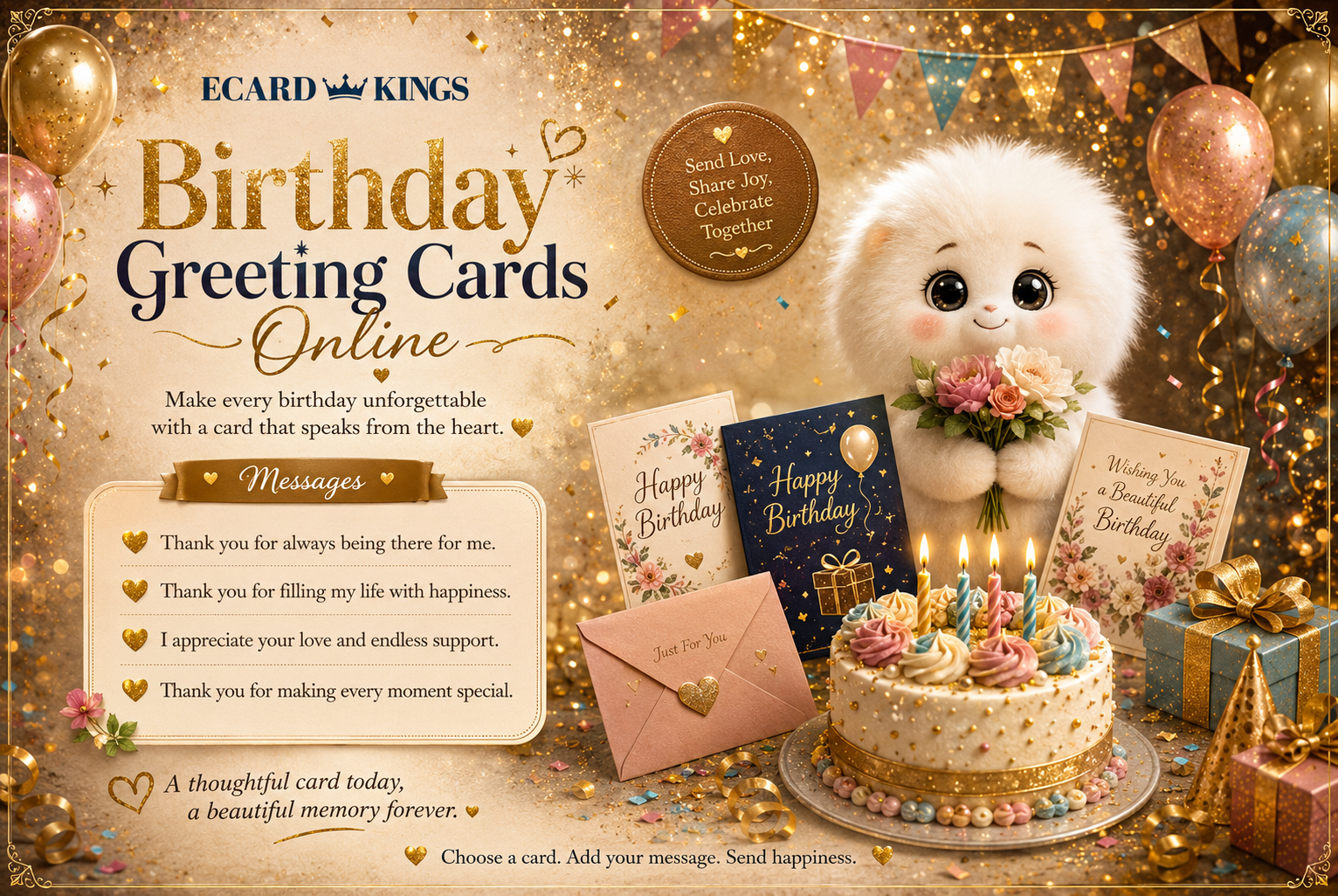
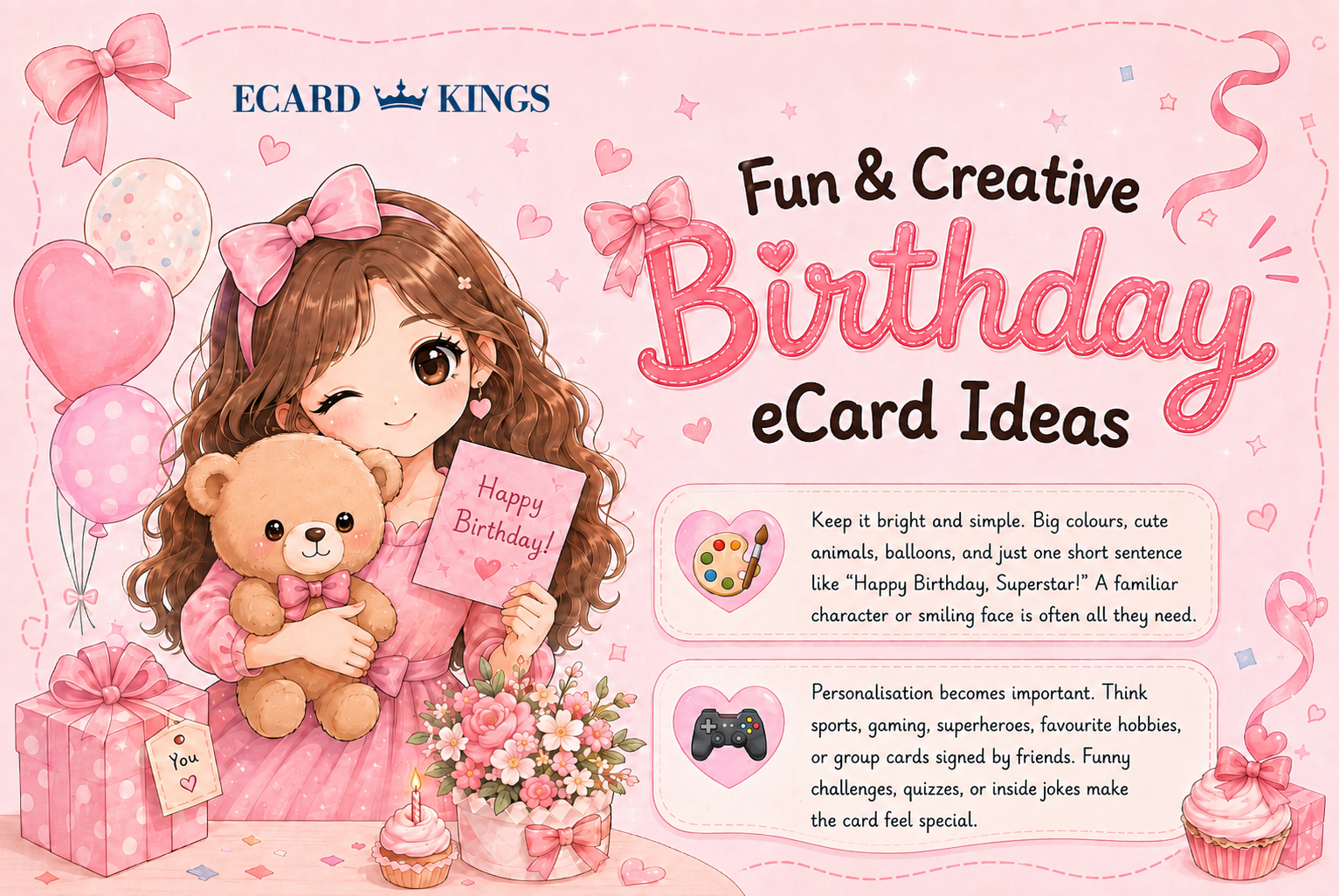
Inside the Birthday Ecards Collection, you’ll find different styles for different personalities.
And this part is more important than people think.
Is this for your partner?
Your best friend?
Your dad?
Someone who loves elegance?
Someone who loves sarcasm?
You can narrow it down:
Take a moment here. Don’t rush it.
The design sets the emotional tone before your message is even read.
Once you click your card, the editor opens instantly — no downloads, no waiting.
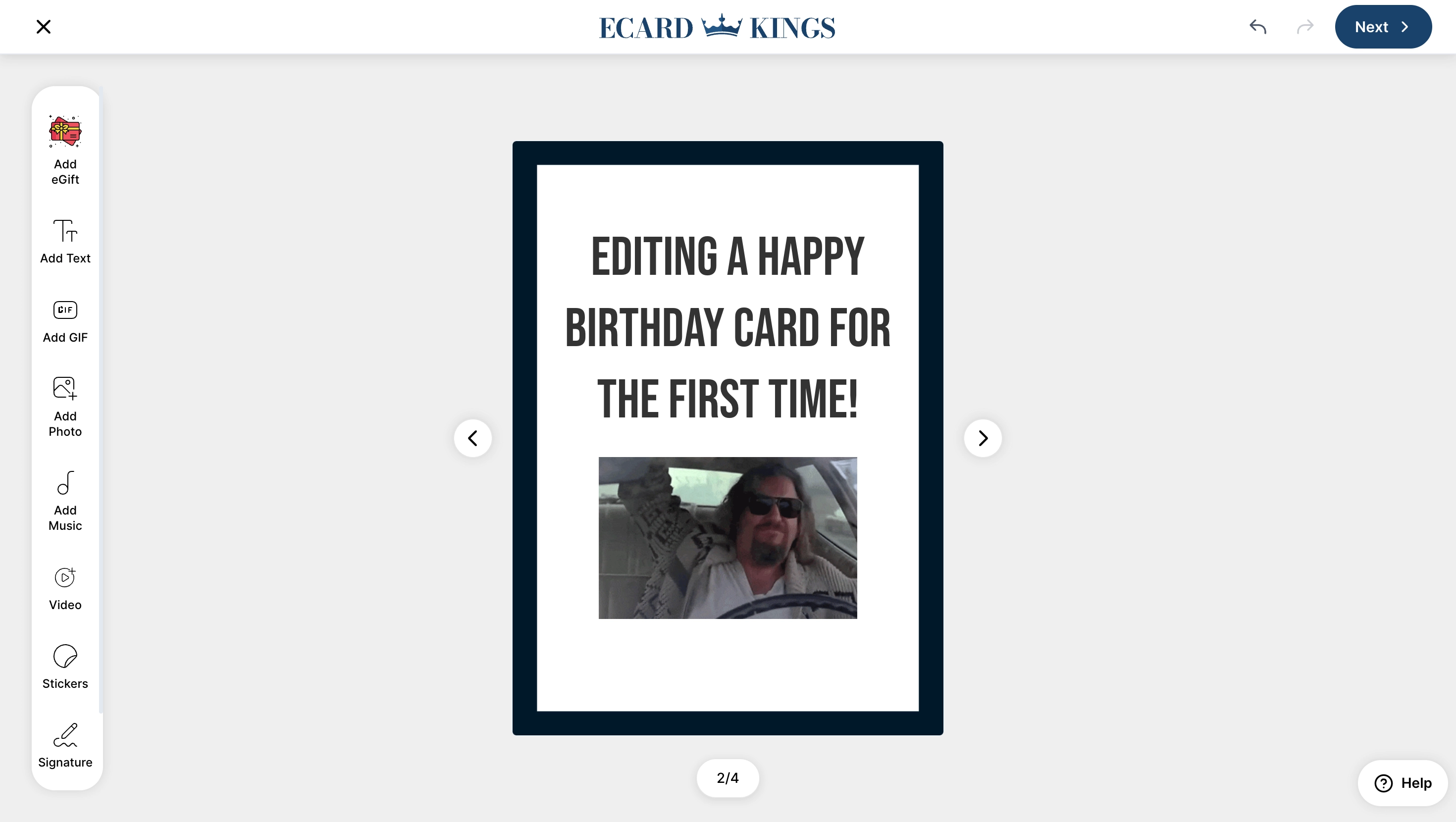
Editing the Text: Where It Becomes Yours
Every happy birthday ecard opens with two default text blocks.
But you’re not limited to two.
You can add as many text blocks as you want.
That means:
- A bold headline on the front
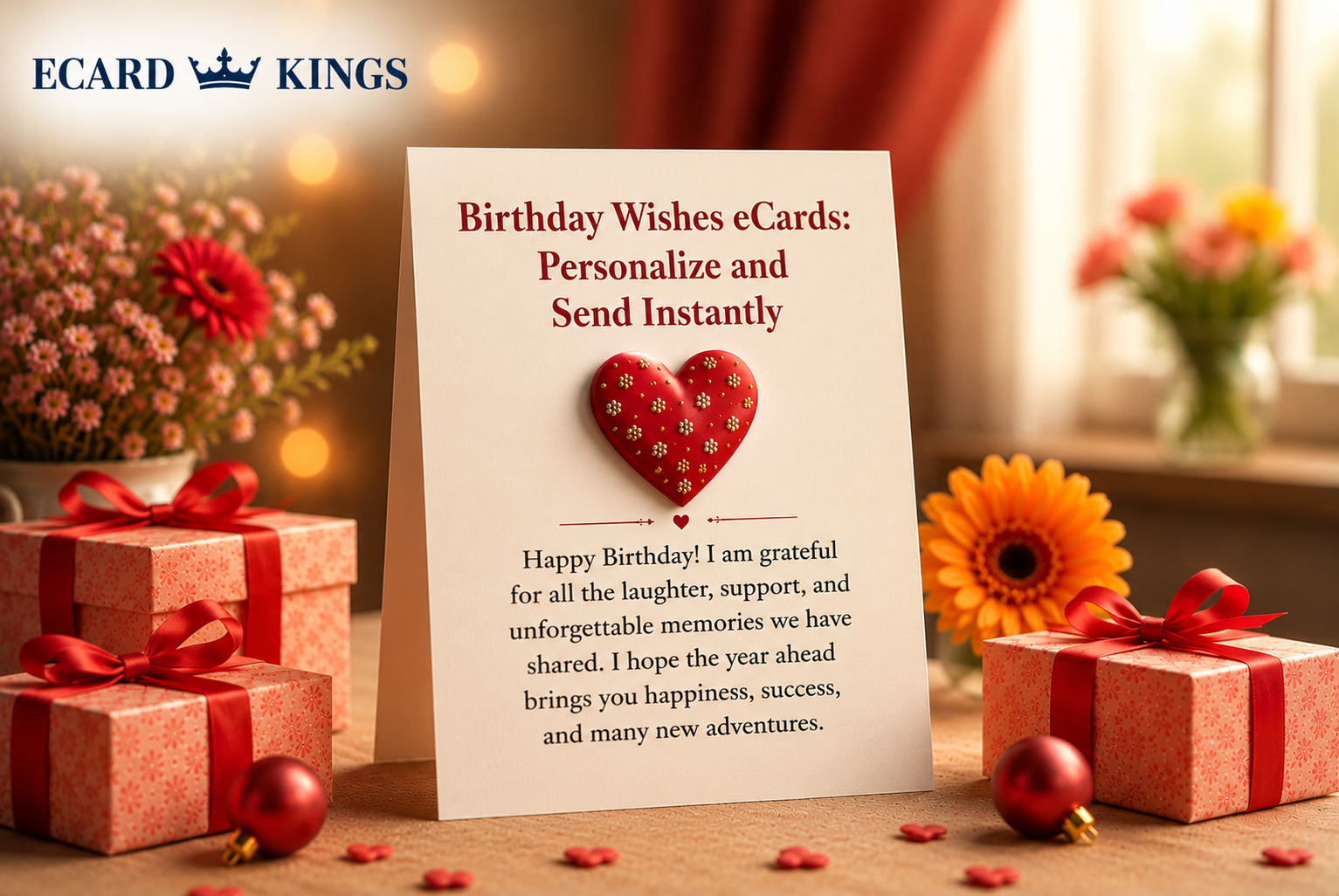
- A heartfelt message inside
- A tiny inside joke hidden in the corner
- A dramatic sign-off at the end
This is where personalization begins.
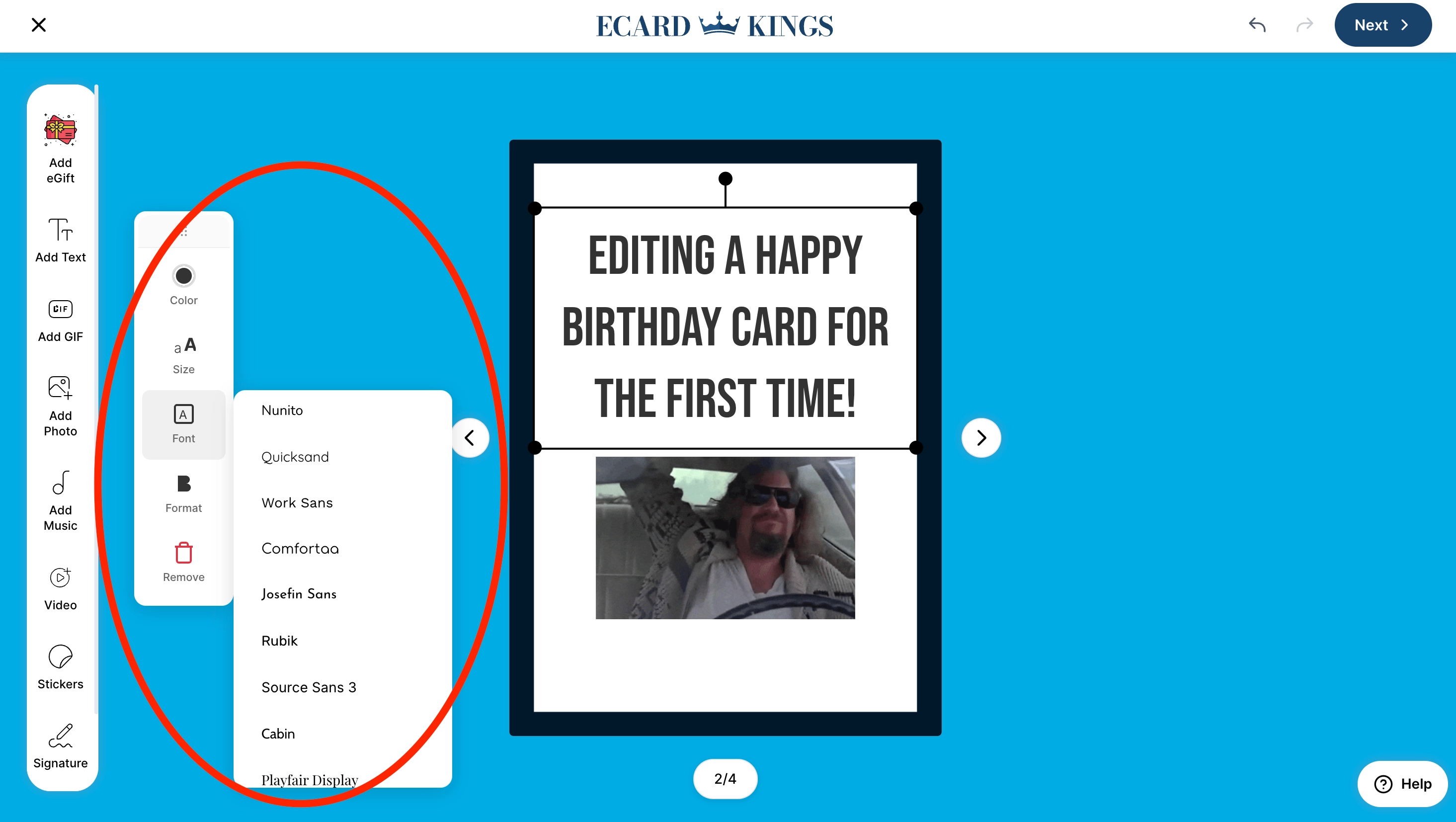
Inside the editor, you can:
- Choose from dozens of custom fonts
- Adjust font size easily
- Change text color instantly
- Align left, right, or center
- Add emojis and Gifs
- Drag text anywhere on the card
And here’s what matters most: it doesn’t feel complicated.
It’s designed so you don’t feel like you’re using graphic design software. You feel like you’re writing a message and shaping it visually.
If you want elegance, choose a clean serif font in soft tones.
If you want playful energy, go bold with bright colors.
If you want something emotional, keep it minimal and let your words do the work.
This is where digital birthday cards stop being generic and start feeling intentional.
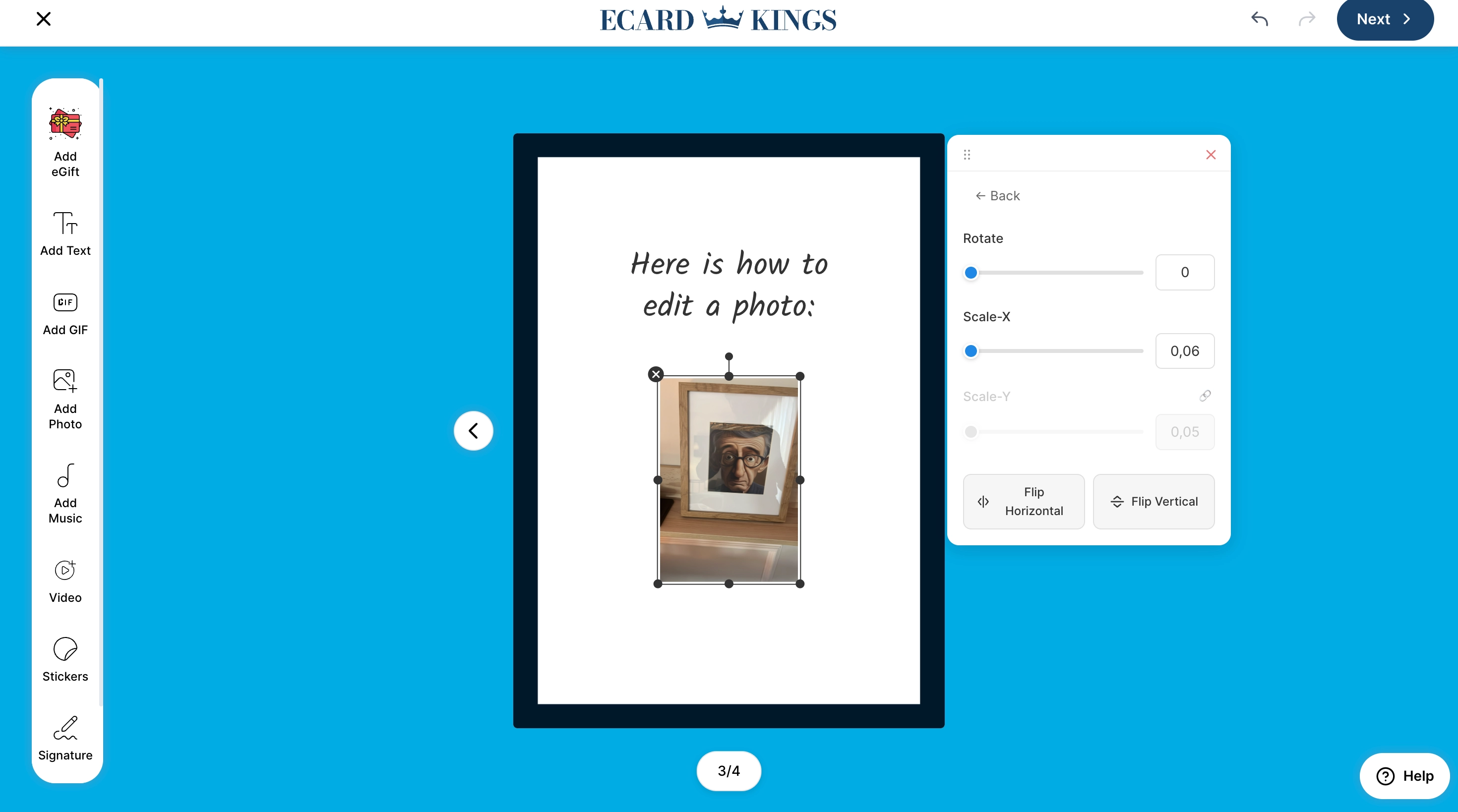
Adding Photos: The Moment It Gets Personal
Here’s the truth.
If you want someone to pause and smile immediately, add a photo.
It could be:
- That embarrassing beach picture from last summer
- A childhood throwback
- A screenshot of a fun memory
- A cute moment only the two of you understand
Inside the editor, you can upload your own photos and GIFs.
You can resize them.
Drag them anywhere.
Layer them creatively.
No restrictions. No design stress.
This is what transforms simple happy birthday ecards into something that feels personal and made with love.
Because it is.
And everything renders in high resolution with no watermark, so it looks clean and polished.
Not cheap. Not rushed.
GIFs: Add Humor Without Writing a Word
Sometimes you don’t need a paragraph.
Sometimes a GIF says everything.
The best tool known to mankind for inside jokes and sarcasm, or just filling the gap that needs to be filled, and simply can't be with stickers.
You can add GIFs directly into your virtual birthday cards, resize them, and place them exactly where they fit best.
For someone who loves humor, this can instantly turn your card into something they’ll appreciate and open again and again.
Especially when paired with text and images.
Music & Voice Notes: Add Emotion, Not Just Words
This is where things move beyond visuals.
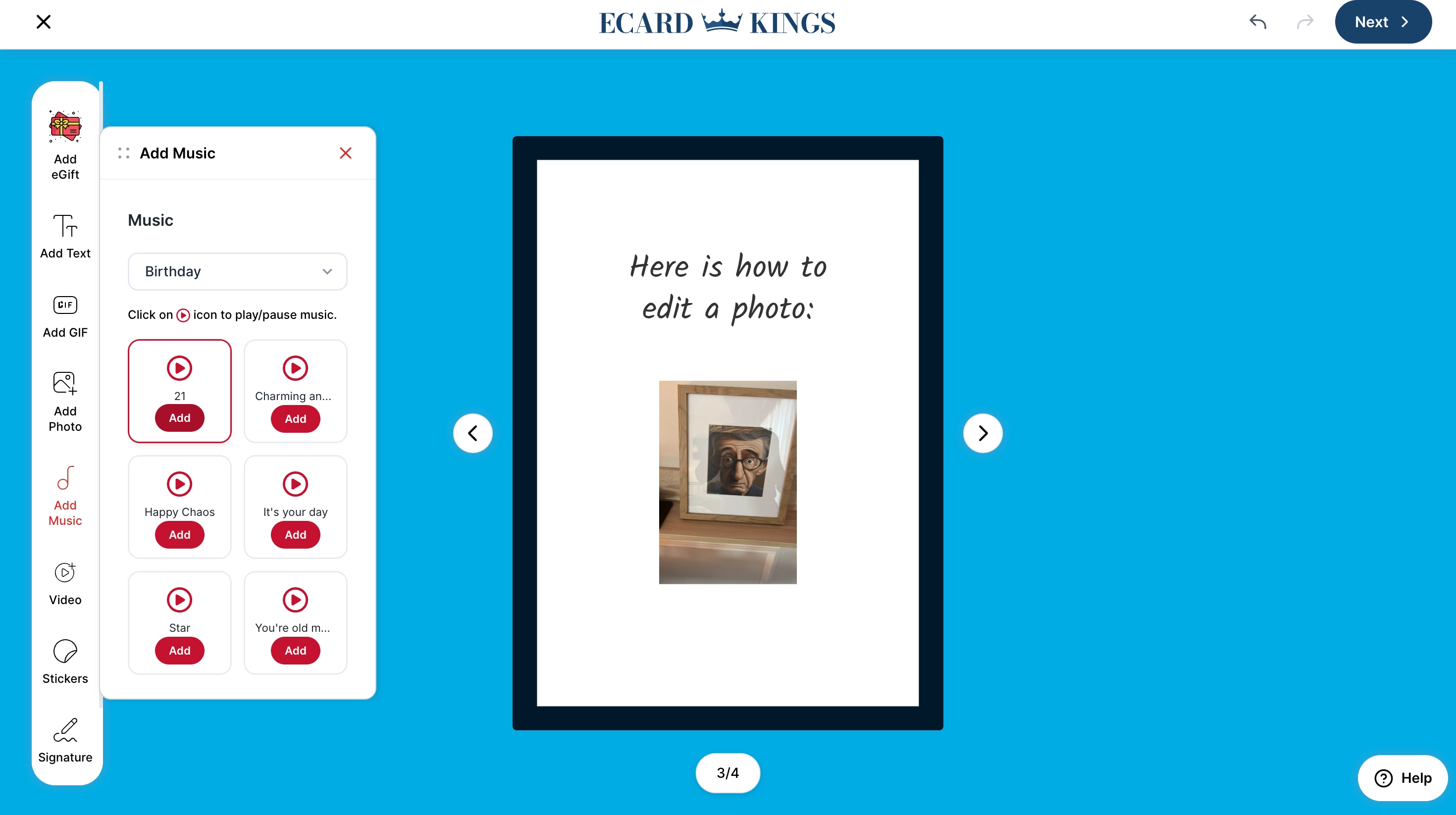
You can upload music to your birthday ecard.
Important detail: it does not autoplay.
The recipient chooses when to press play.
That keeps the experience smooth and respectful.
But the real emotional feature? Voice notes.
You can record a voice message directly inside the platform. Or upload your own voice file.
If you’ve ever been far from someone on their birthday, you know how powerful it is to hear a familiar voice.
It feels real, it feels present, it feels like you showed up, even if you couldn’t physically be there.
This is something physical cards simply cannot do.
The Animated Envelope: A Small Detail That Changes Everything
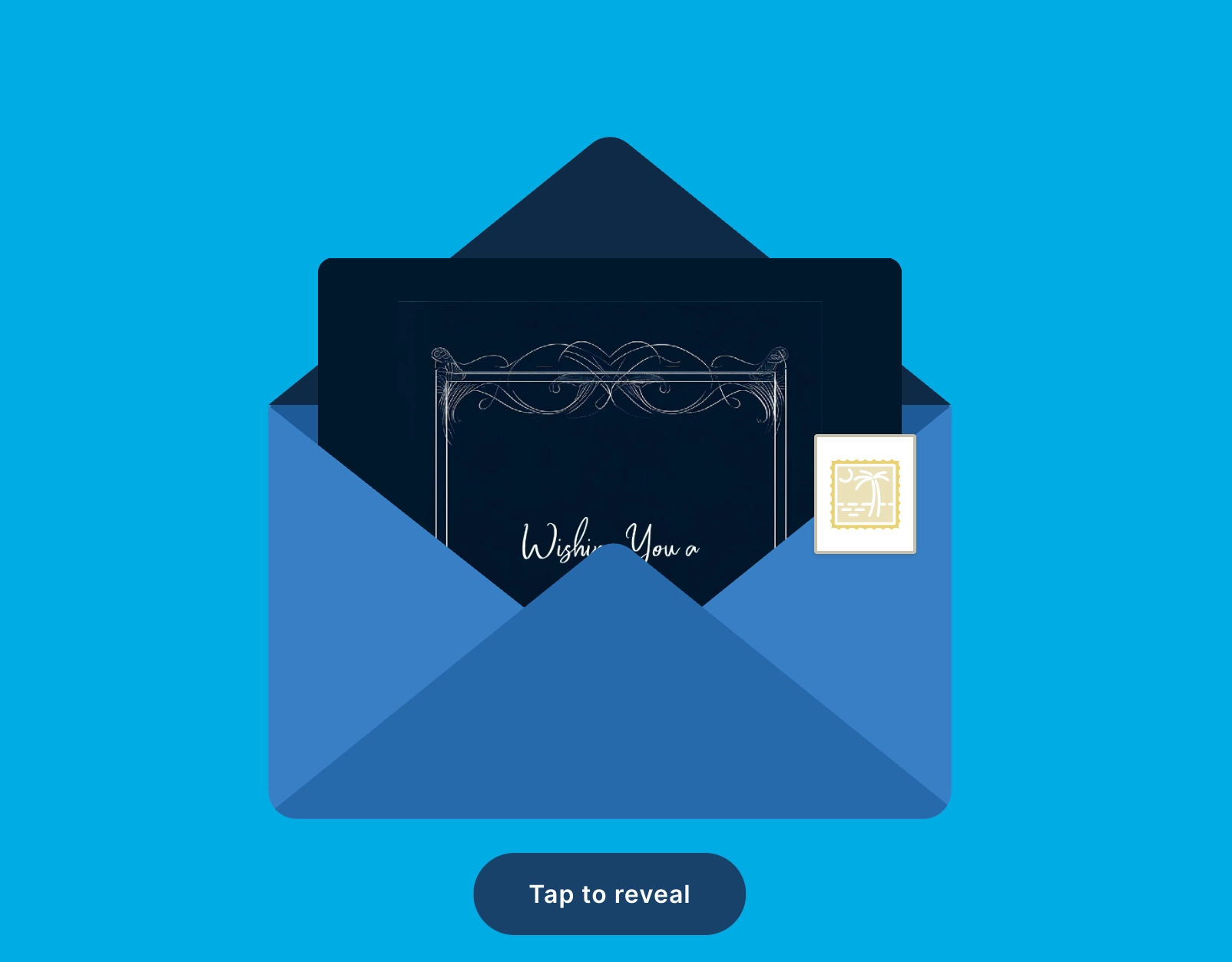
When you send a happy birthday ecard through EcardKings, it doesn’t just appear as a flat image.
It arrives inside a blue animated envelope.
That matters more than you think and makes it from just a template to a moving, animated, cool feature that is remembered.
There’s a sense of opening something.
You can:
- Personalize the sender's and recipient's names
- Choose a custom stamp (available with enhanced features)
- Watch the envelope open with animation
It mimics the emotional rhythm of opening a real card.
Except faster.
And more modern.
Scheduling: Because Timing Is Everything
Let’s say you want the card to arrive exactly at midnight or exactly at 9 AM in their time zone.
You can do that. Ecardkings has built-in time zone detection, your virtual birthday card arrives precisely when it should, no matter where they are, and you do not have to worry about adjusting it.
You can:
- Select the date
- Choose the exact time
- Schedule in advance
- Relax knowing it’s handled
And once your recipient opens it? You receive an email notification with no guessing and no wondering if they saw it, not like with physical cards, where 50% of the time it gets lost in the mail.
That small confirmation brings peace of mind that your recipient opened the card with no issues and without having to do the awkward follow-ups.
Mobile Friendly (Because Most People Open on Their Phone)
Let’s be realistic, most birthday ecards are opened on mobile, for this exact reason, in ecardkings, we made sure the editor is fully optimized for mobile use. Text editing is smooth. Images are easy to reposition.
Nothing feels cramped or broken. You DO NOT need a desktop to create something impressive.
You can design the entire card from your phone.
Why Personalized Happy Birthday Ecards Matter More Than Ever
We live in a world of quick messages, Short replies. Emoji reactions. Auto-generated birthday reminders.
And because of that, effort stands out. When someone opens a personalized birthday ecard with custom text, photos, music, and voice, it feels different.
It feels intentional. It feels like you didn’t just remember their birthday.
You thought about it. That’s what makes it powerful and not just another weak happy birthday text.
Before & After: The Real Difference
At first, it’s just a template.
But once you:
- Change the fonts
- Adjust colors
- Add photos
- Insert a GIF
- Record your voice
- Customize the envelope
It becomes something nobody else could have sent.
That’s the real difference between generic stuff and memorable and cool small details.
Frequently Asked Questions:
Can I fully customize happy birthday ecards?
Yes. You can add unlimited text blocks, choose from dozens of fonts, adjust size and color, upload photos and GIFs, add gift cards from hundreds of brands, and include music or voice notes.
Are virtual birthday cards better than paper cards?
They offer scheduling, personalization, audio, animation, and instant delivery features that traditional paper cards simply can’t match.
Will I know when my birthday ecard is opened?
Yes. You receive an email notification once your recipient opens the card.
Are birthday ecards mobile-friendly?
Yes. The entire editing experience is optimized for mobile devices.
Do the cards include watermarks?
No. All ecards are delivered in high resolution with no watermark.
How can I send my customized birthday ecard?
We support sending in all different ways, via mail, WhatsApp, SMS, iMessage, Instagram, or just copy the link and share it everywhere.
Ready to Create Something That Actually Feels Personal?
If you’re ready to send more than just a message, explore the full Ecard kings collection and start customizing.
Choose the design that fits.
Add your words.
Upload your memories.
Schedule it perfectly.
Send a happy birthday ecard that feels like it was made for one person because it was.